Single-Point Correction Workflow
This workflow describes how to correct the position of a single motion point in the NC program.
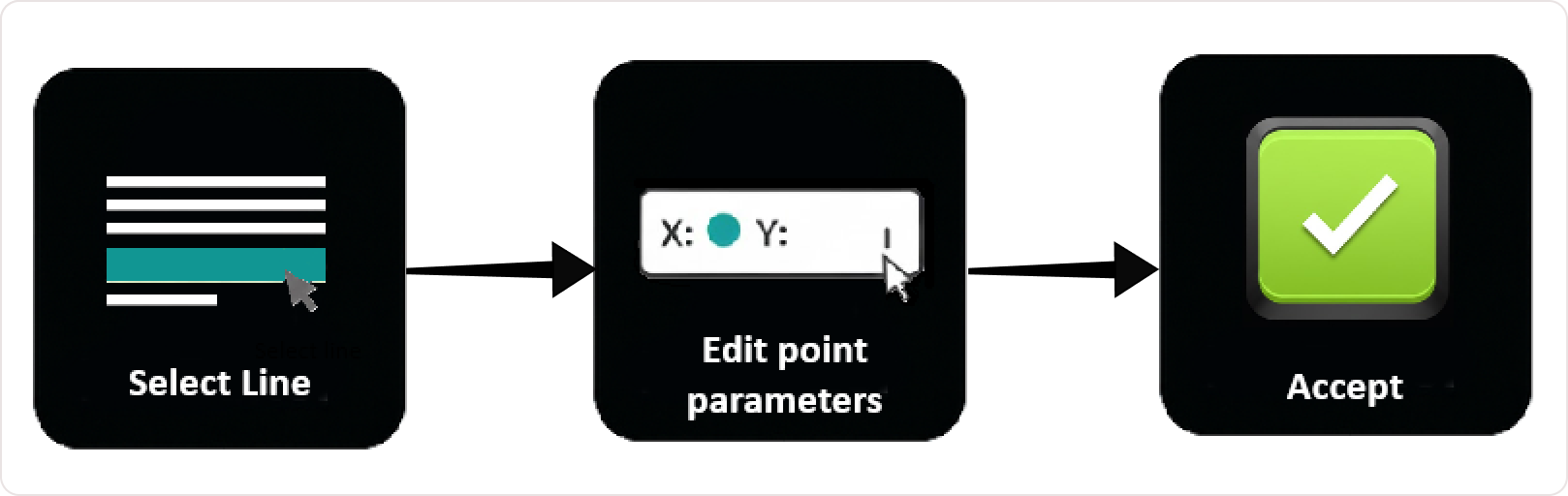
Workflow Steps
Step 1: Select the point
You can select a line from the NC Editor (for example, G01) or a point from the 3D Viewer by clicking the point directly.
Step 2: In Line Edit
In Line-by-Line Editing, adjust any of the following in the NC Editor:
- Position (X, Y, Z)
- Orientation (A, B)
- Feed / LocalFeed
- Additional NC parameters (for example, LaserLine, PiercingType)
Step 3: Press Accept
Press Accept in Line-by-Line Editing.
The 3D Viewer updates immediately if a point was edited, the Manipulator jumps to the new position, and collision or reachability updates appear instantly.
Workflow Single-Point Correction
Operator insights
- Use single-point correction for precise adjustments.
- Always verify the result in the 3D Viewer.
- If the result is incorrect, adjust the values and apply the correction again.
Was this page helpful?