Saving an NC Program
Purpose
Saving the NC program stores the modifications made in the NC Editor and prepares the program for further validation or execution.
Edits may include:
- single-point modifications
- multi-line transformations
- reshape operations or coordinate adjustments
After saving, the updated NC file can be used for program validation, simulation, or execution on the machine controller.
Procedure
Step 1 — Open the Save Program Command
Click the Save Program button located in the left-side panel of the Shopfloor Assistant interface.
Step 2 — Select the Destination
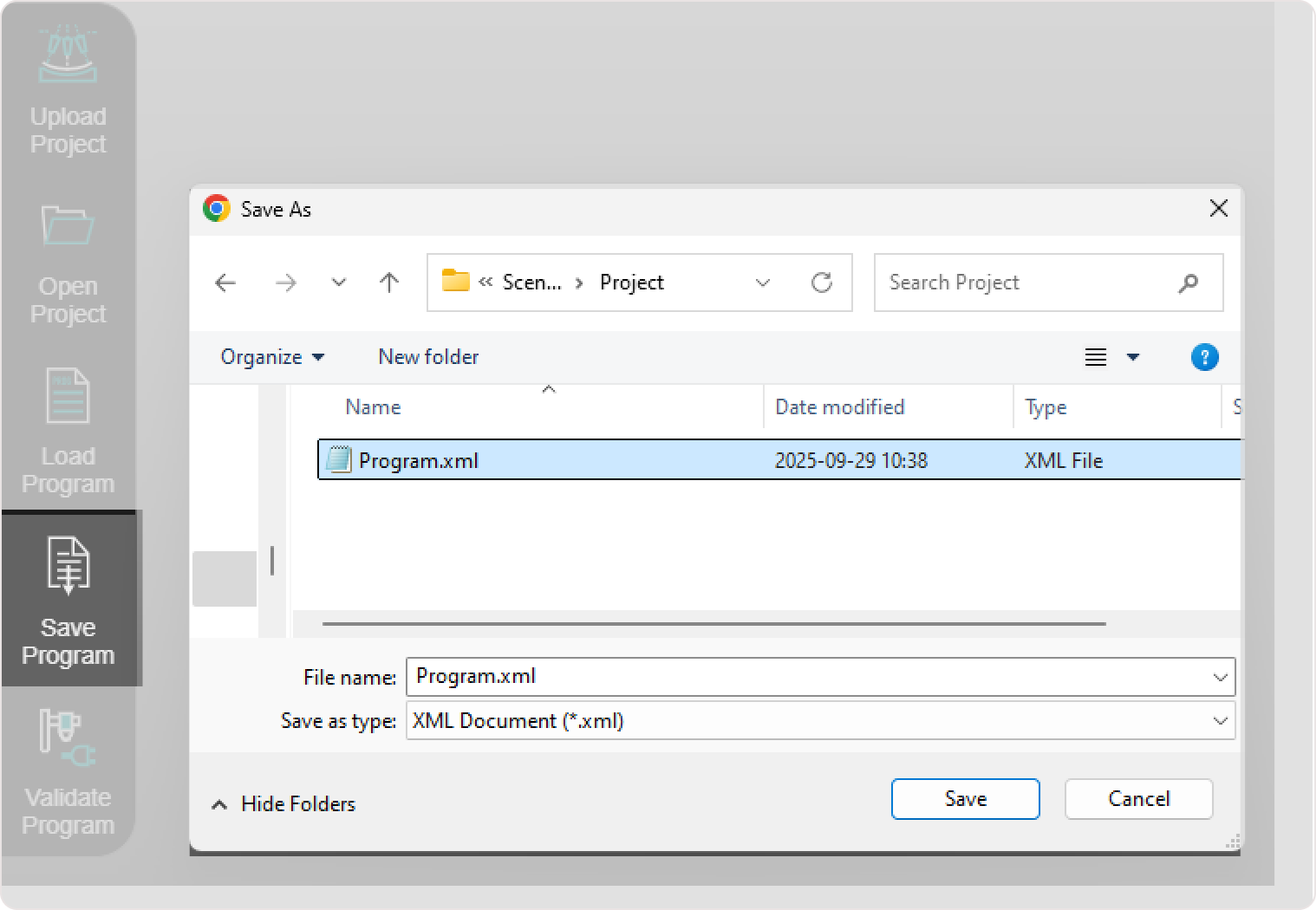
Select the folder where you want to store your edited NC file and provide a clear, descriptive name.
Step 3 — Confirm the Save Operation
The system exports the NC program using the format supported by the configured controller, preserving all applied edits and transformations.
Operator insights
- Always save before validation - unsaved edits will not be included.
- Save frequently during editing to avoid losing progress.
- Use versioned file names (for example
Part001_v2.xml) to track changes. - Saving preserves all modifications applied via the NC Editor, including multi-line transformations and reshape edits.
Was this page helpful?