Search in the NC Editor
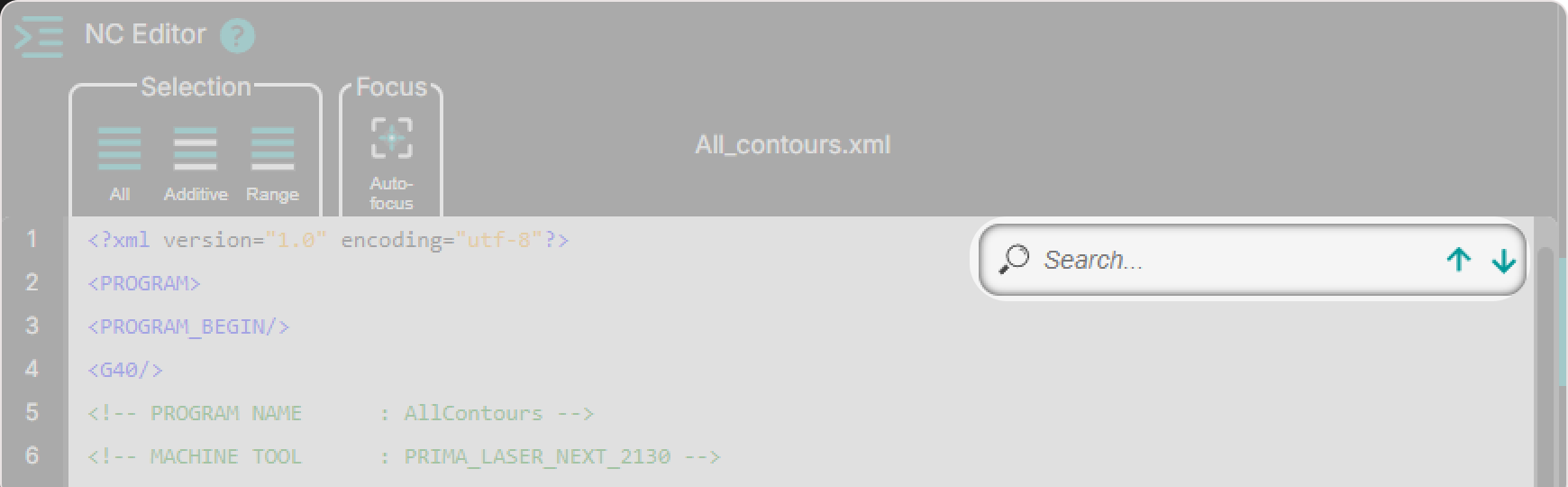
The Search function helps operators quickly find specific NC content in the NC Editor, such as commands, parameters, attributes, values, and repeated occurrences.
When a term is entered, Shopfloor Assistant highlights matching text and lets you move through each occurrence with immediate visual feedback.
This feature is ideal for:
- finding repeated NC commands quickly
- locating technology parameters before editing
- jumping to specific values in large programs
- verifying where an attribute is used across the code
How to Use Search in the NC Editor
Step 1: Use the search field
The search field is always visible in the top-right area of the NC Editor.
Type the text you want to find, for example:
laserlineG01PiercingTypeWork_On- numeric values
Step 2: Enter the search term
As you type in the search field:
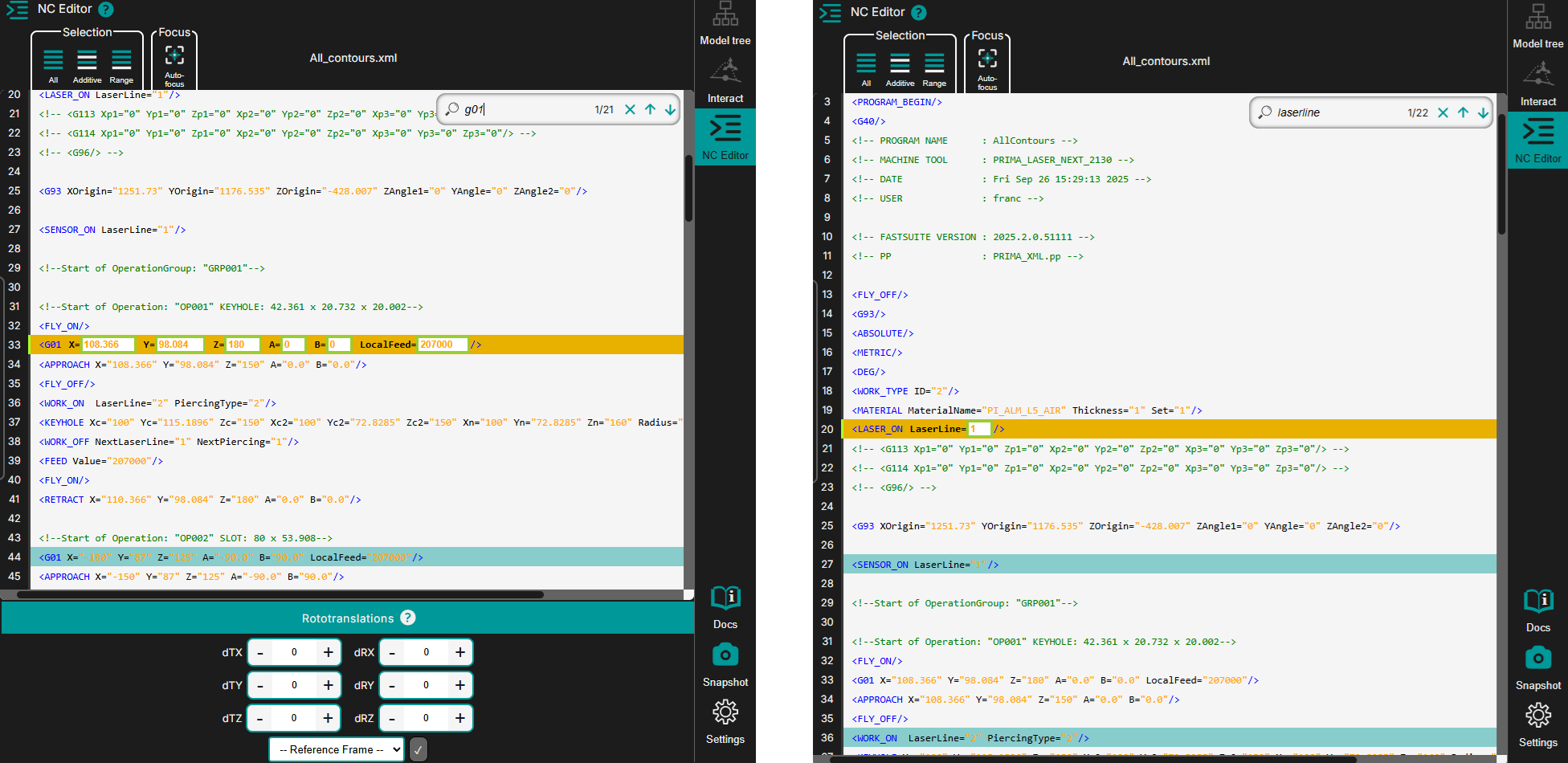
- matching lines are highlighted instantly
- the first result becomes active automatically
- the editor jumps to the first matching occurrence
No confirmation (Enter key) is required.
Step 3: Navigate through results
Use the arrows in the search field to move through matches:
- Down arrow - next occurrence
- Up arrow - previous occurrence
The result counter shows the current and total matches, for example 1/22.
Step 4: Clear the search
Press the X button in the search field to clear the search term.
When search is cleared:
- all highlights are removed
- the editor returns to the normal view
- no search result remains active
Step 5: What happens next
Once the target line is found, you can continue with focused editing tasks such as:
- line-by-line updates
- grouped edits after manual selection
- parameter verification before applying transformations
Operator insights
- Search is case-sensitive, so uppercase and lowercase must match.
- Live highlighting reduces navigation time in large NC programs.
- Use the result counter as a progress guide when reviewing repeated occurrences.
- Search before editing helps reduce mistakes by confirming every matching line first.