Comment and Uncomment Lines
Purpose
During program review or local troubleshooting, operators may need to temporarily disable a part of the NC program without deleting it. The Comment and Uncomment function provides a safe way to exclude selected NC lines from the active program representation and re-enable them later if needed.
This is useful when you want to test a program variation, skip selected commands, isolate a problematic program section, or prepare a local adjustment while keeping the original NC content available.
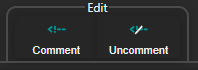
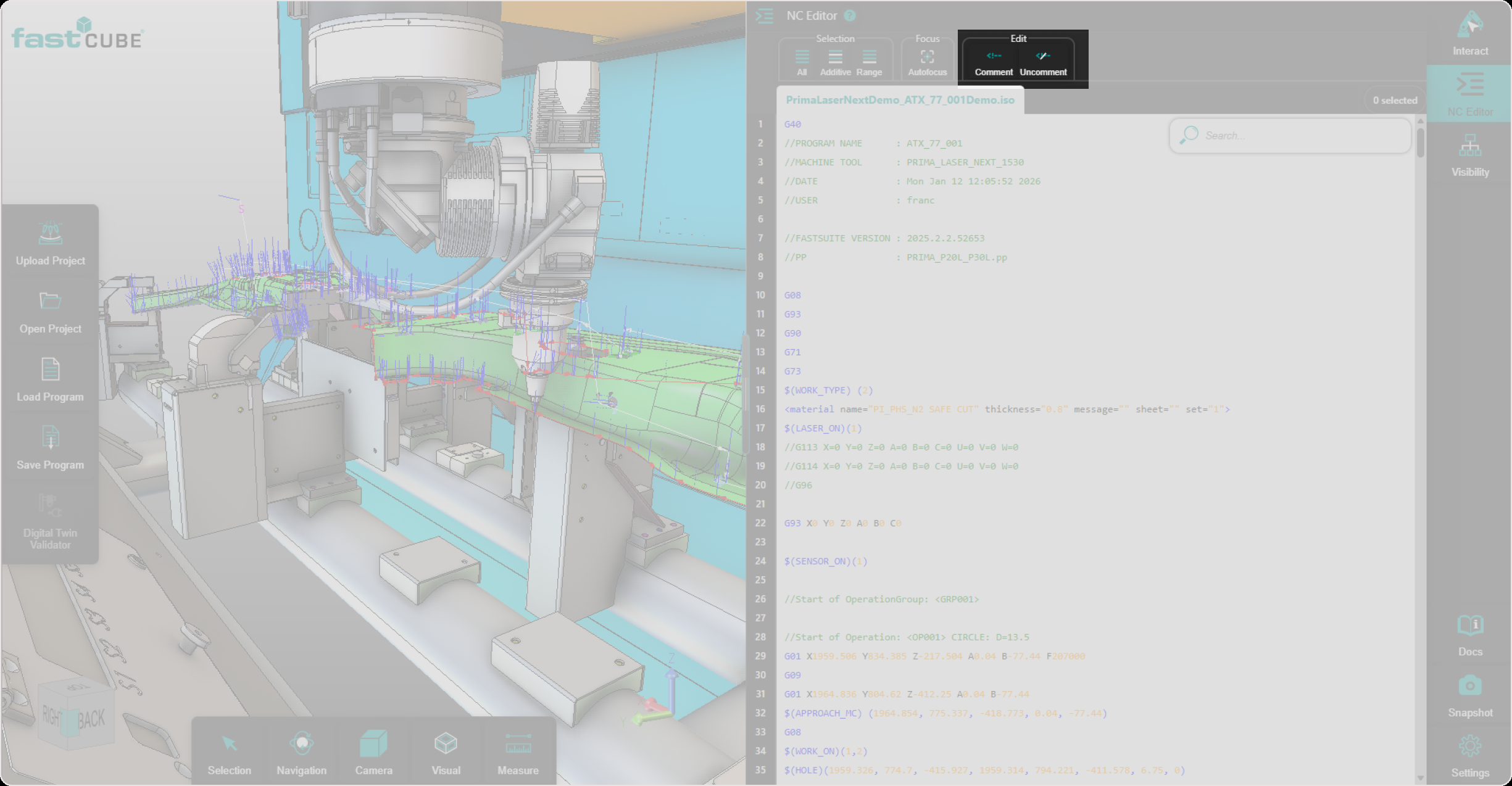
The Comment and Uncomment buttons are available in the Edit toolbar at the top of the NC panel.
When to use it
Use Comment and Uncomment when you want to:
- temporarily disable selected NC lines
- re-enable previously commented NC lines
- test a local program change
- avoid manual editing of comment characters line by line
Procedure
Step 1 - Select the NC Lines
In the NC Editor, select one or more NC lines that should be commented or uncommented.
You can select a single line or multiple lines, depending on the program section you want to modify.
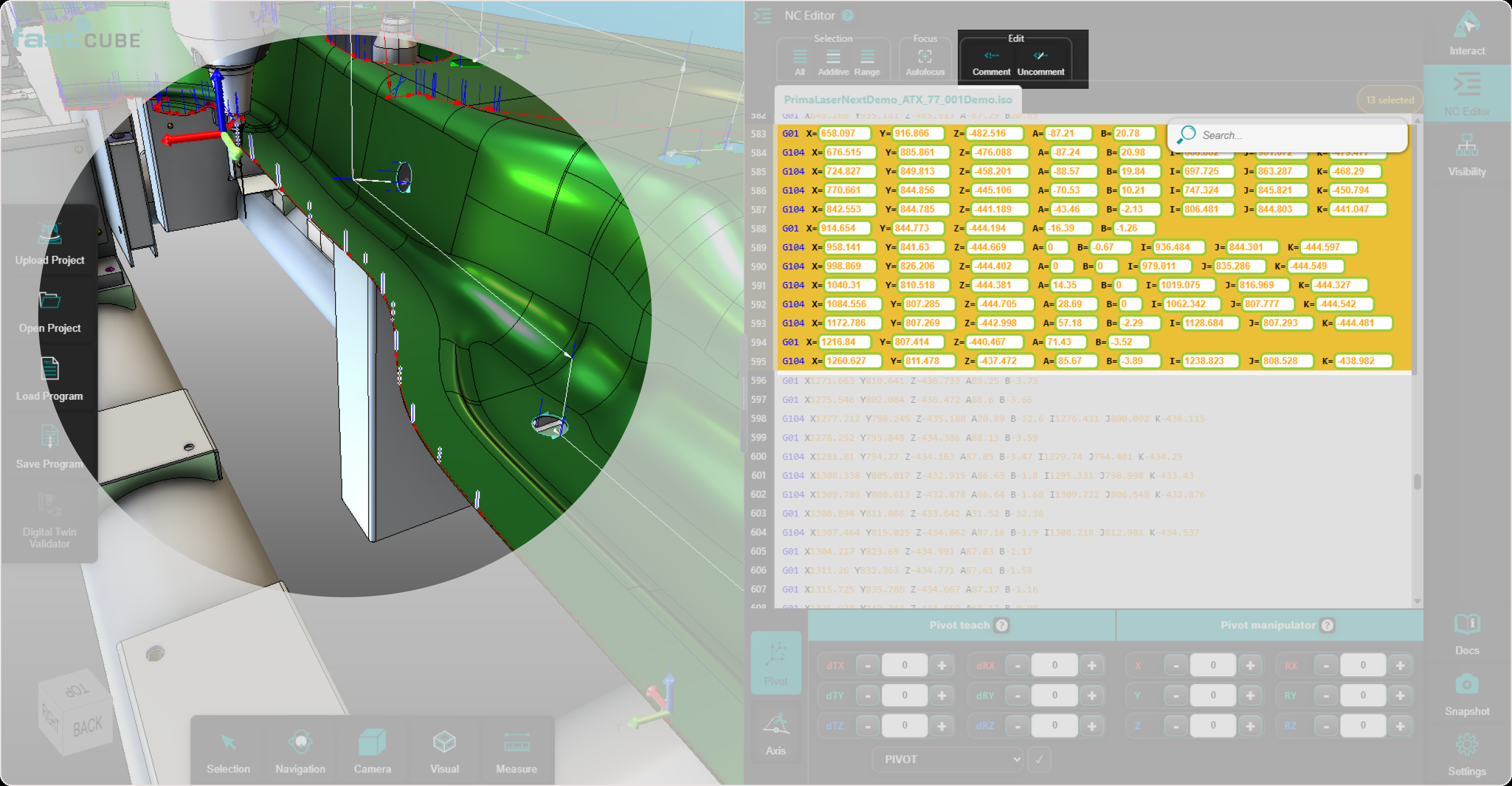
Step 2 - Apply Comment and Review the Updated Toolpath
Use the Comment action to disable the selected NC lines.
The selected lines are commented directly in the NC Editor.
After the selected lines are commented, the affected NC points are removed from the active program representation. The toolpath and contour display are recalculated automatically, so the 3D Viewer reflects the updated program state.
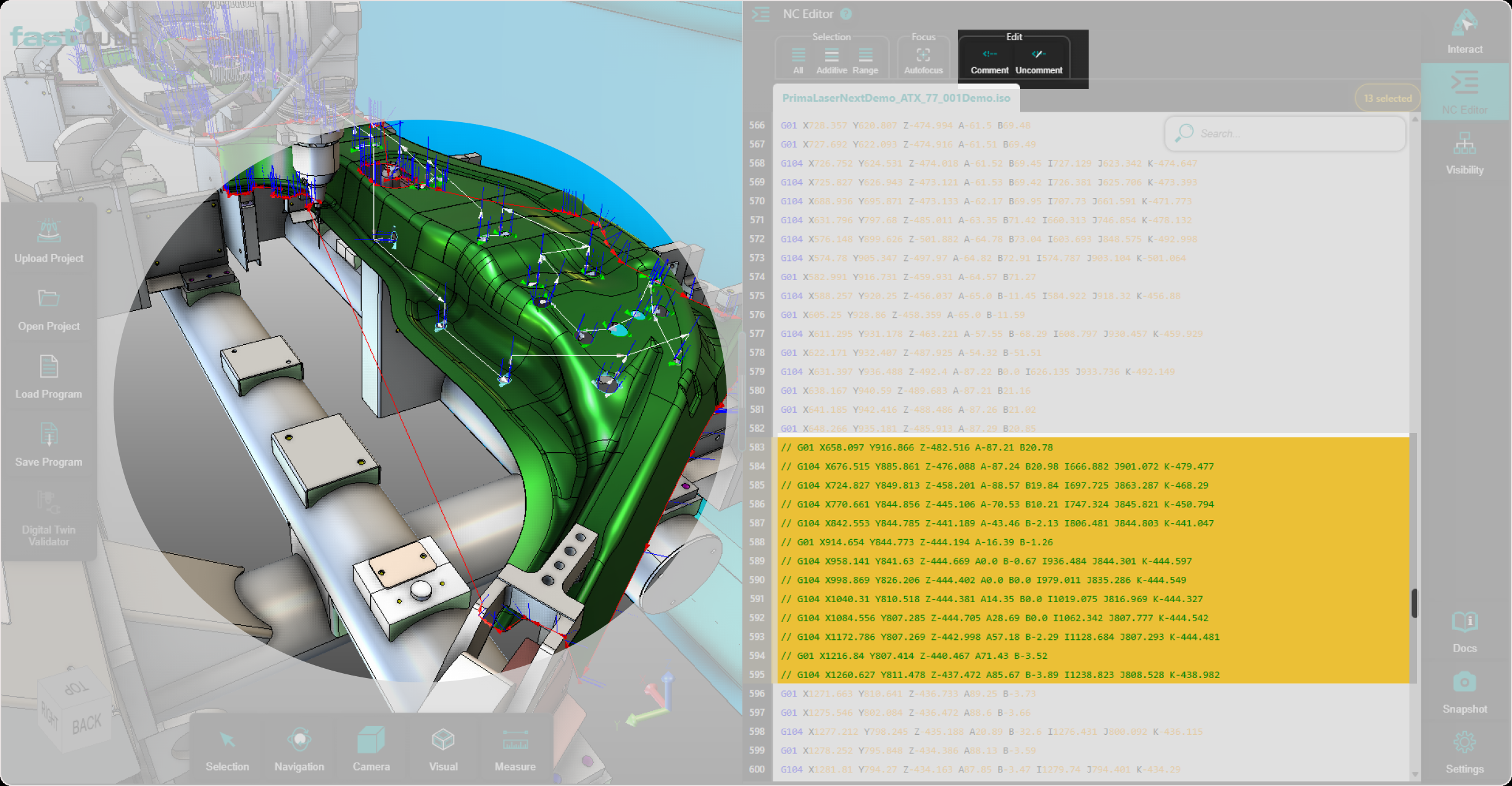
Review the result in the 3D Viewer before continuing.
Step 3 - Apply Uncomment and Review the Restored Toolpath
Select the commented NC lines that should be re-enabled.
Use the Uncomment action to restore the selected lines.
The selected lines are uncommented directly in the NC Editor.
After the selected lines are uncommented, the affected NC points are added back to the active program representation. The toolpath and contour display are recalculated automatically, so the 3D Viewer reflects the restored program state.
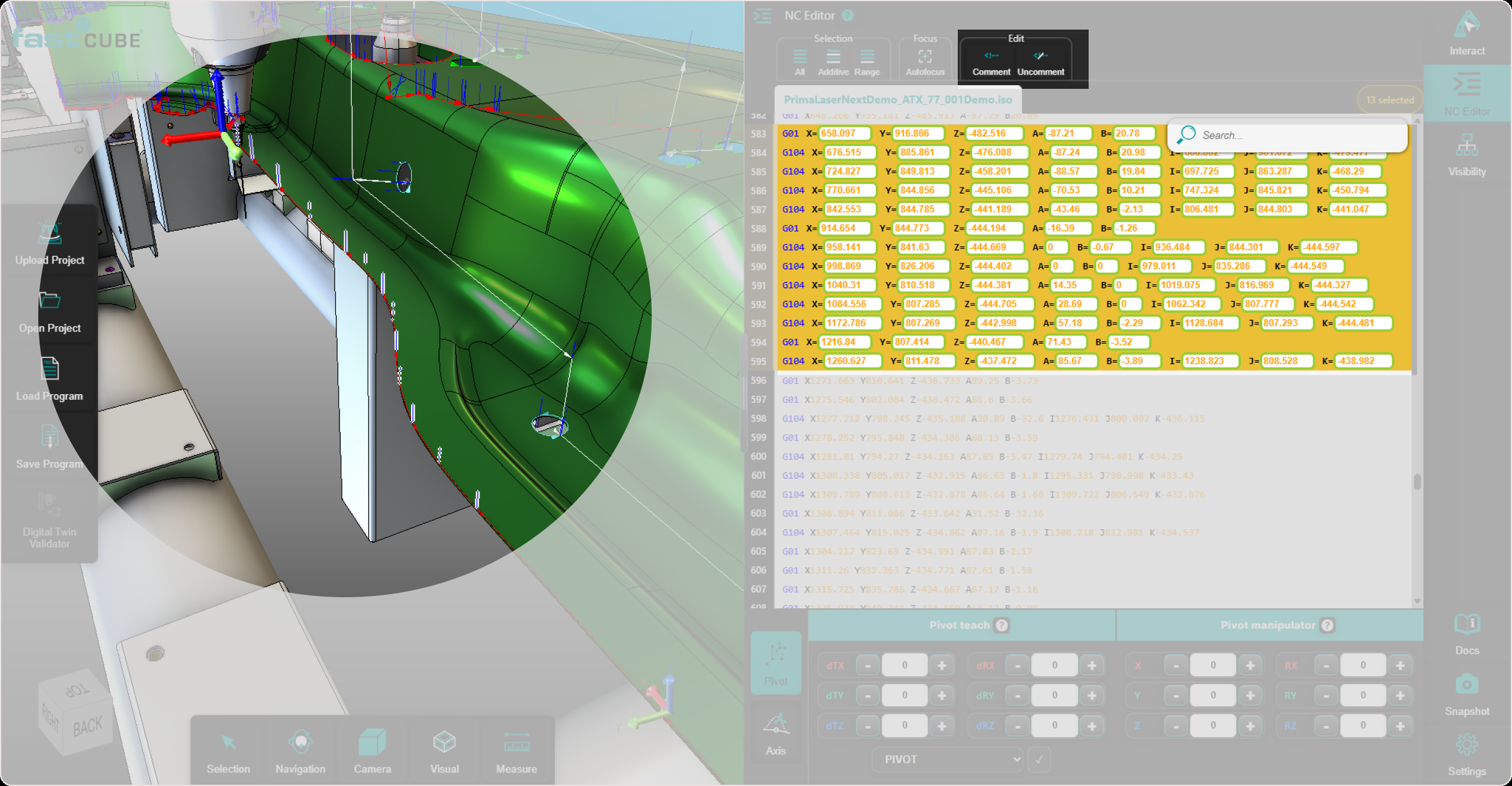
Review the result in the 3D Viewer before continuing.
Operator insights
- Commenting a line disables it without deleting it from the NC program.
- Uncommenting restores a previously commented line.
- The function can be applied to single-line or multi-line selections.
- Always review the selected lines before applying the action.
- Use this function carefully, because commented NC lines may change program behavior during execution.