3D Viewer and Its Built-In Functionalities
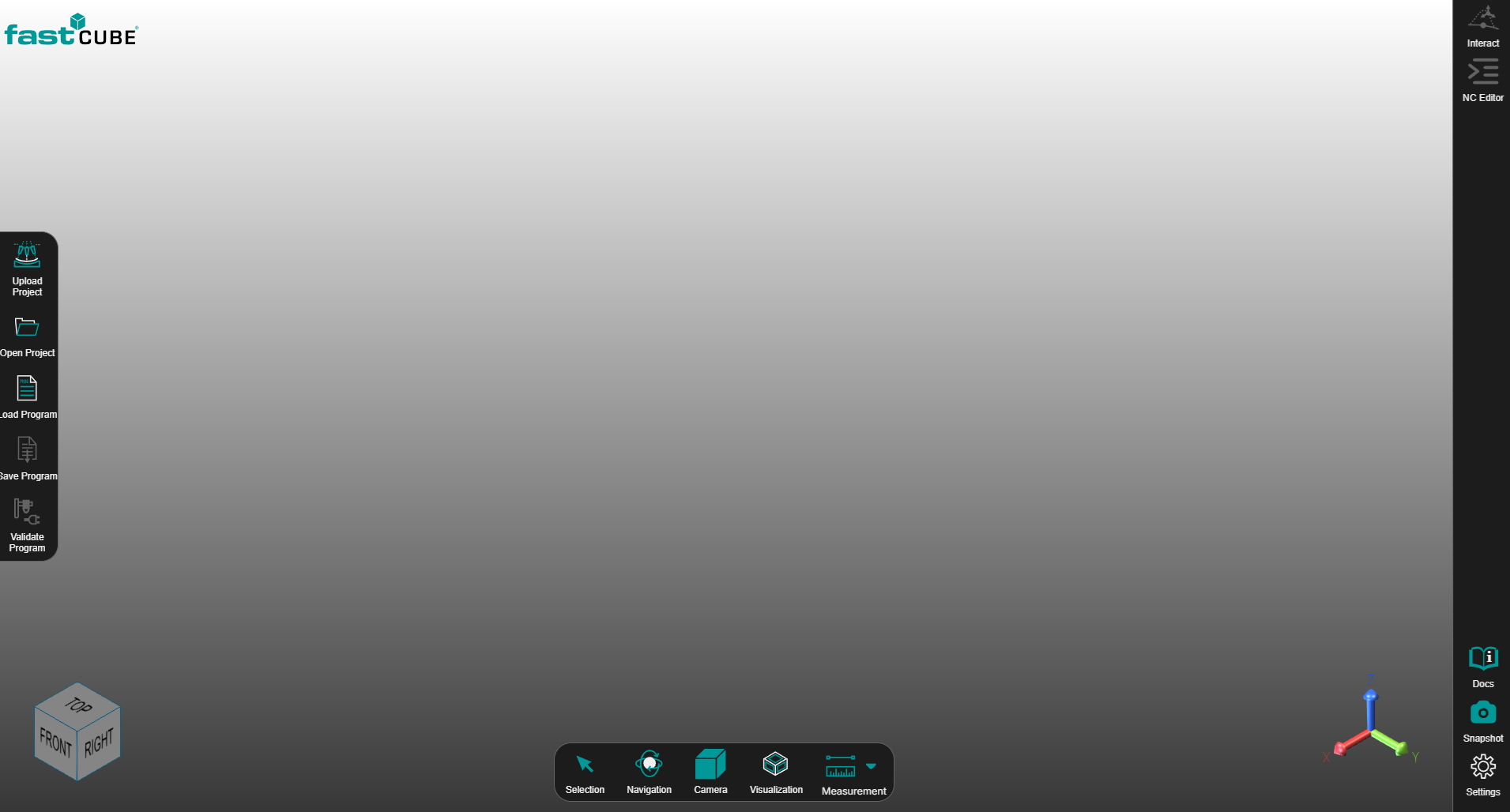
The 3D Viewer is the central visual workspace in Shopfloor Assistant. It provides a clear, interactive view of the machining setup and toolpath so users can inspect, analyze, and validate NC programs before execution.
It helps users:
- Understand the spatial behavior of the toolpath
- Verify positions, orientations, and transitions
- Detect potential collisions or unsafe movements
- Preview the impact of changes before applying them to the NC program
It is designed to support safe and confident decision-making on the shopfloor. By combining clear visualization with interactive tools, it helps users analyze geometry, understand spatial relationships, and make informed decisions before saving or validating the program. This chapter explains the main built-in tools, including the Bottom Toolbar and the Navigation Cube.
In this section
Role of the 3D Viewer in the Workflow
The 3D Viewer is tightly integrated with the NC Editor and editing tools. Typical usage:
- Load a project and NC program
- Inspect the generated toolpath in the 3D Viewer
- Select points or segments visually or from the NC Editor
- Preview modifications directly in 3D
- Validate the result before saving or executing the program
Important
The 3D Viewer itself does not modify the NC program. Changes are applied only when the user explicitly confirms them using the corresponding editing panels.