Machine/Robot Swap
With the Machine/Robot swap approach it is possible to switch on a different machine/robot without re-programing, preserving the path structure, the existing events and attributes. The controller specific adaptations occur automatically.
For example a laser cutting program created for machine A (e.g. Trumpf) can be easy transfer to Machine B (e.g. Prima)
Workflow:
-
Save the program from the source machine (Machine A) using the save command located into program manager pie menu
-
Load the target machine (Machine B)
-
Load same workpiece and fixture on the target machine
-
Load the saved program to the target machine (Machine B) using the load command located into program manager pie menu
-
Optional: View the synchronization report displayed in E2 Log
Machine A:
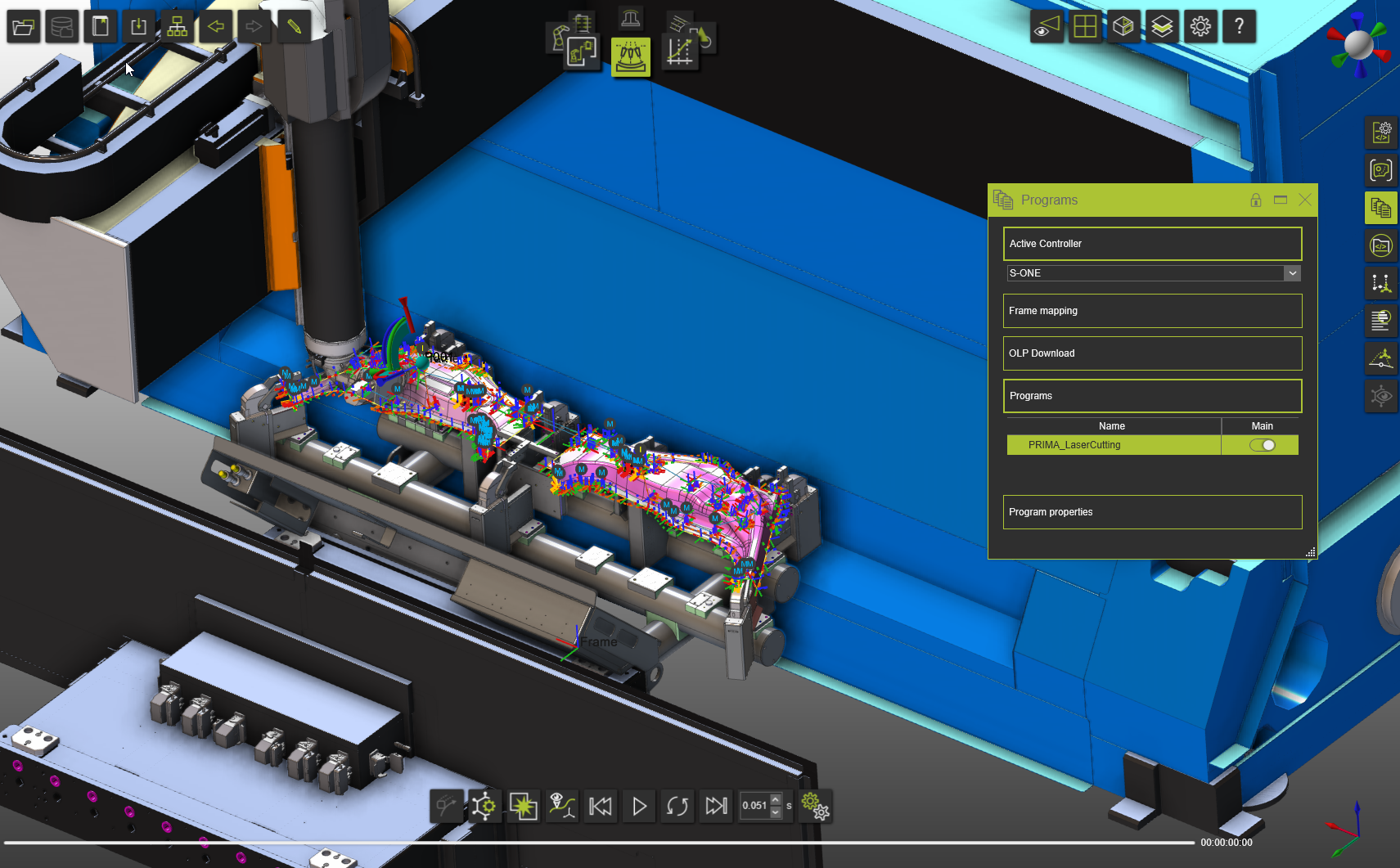
Machine B:
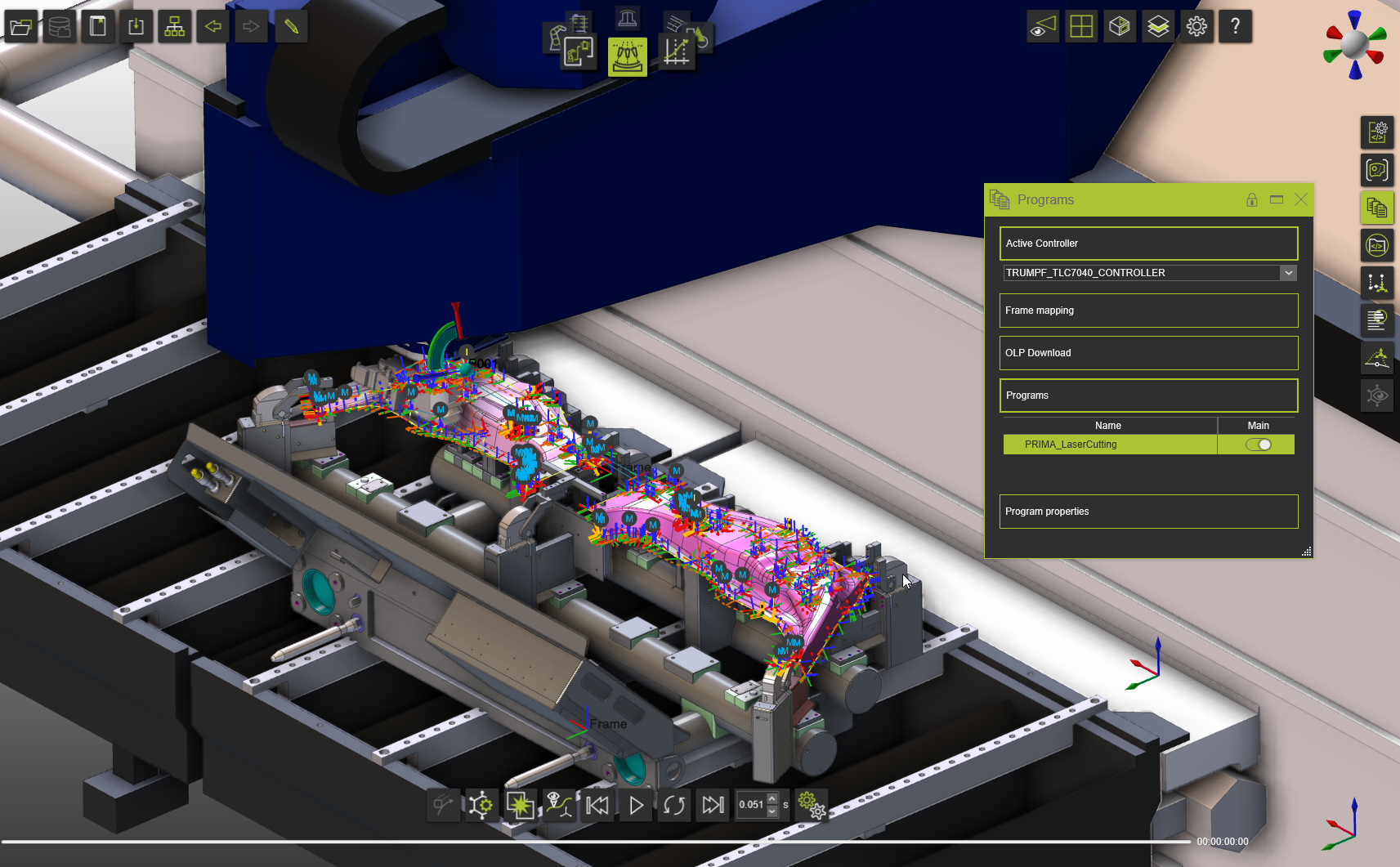
Synchronization report in E2 Log:

Was this page helpful?