Insert auxiliary point

With the Insert auxiliary point command the resource can be taught manually. A toolpath operation element will be placed at the manipulator’s position, and with the same orientation. Repeating these steps subsequent will generate a toolpath with a series of operation elements.
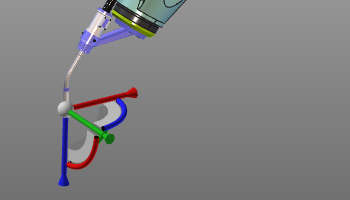 | 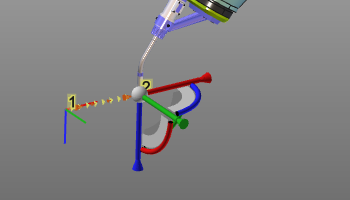 | 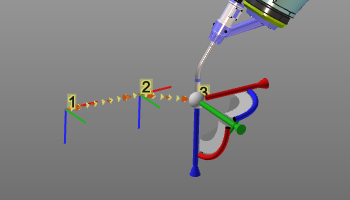 |
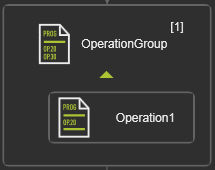
Each taught position is created as a separate operation group containing a single operation.
Starting with R2026.1.1, the Insert auxiliary point command is available in Events and
teach pie menu.
The auxiliary point can be inserted at the end of the operation list, or before or after a selected operation element.
To insert an auxiliary point before or after a selected operation element, use the available Pie Sub-menu.



Was this page helpful?