Insert auxiliary point after selection

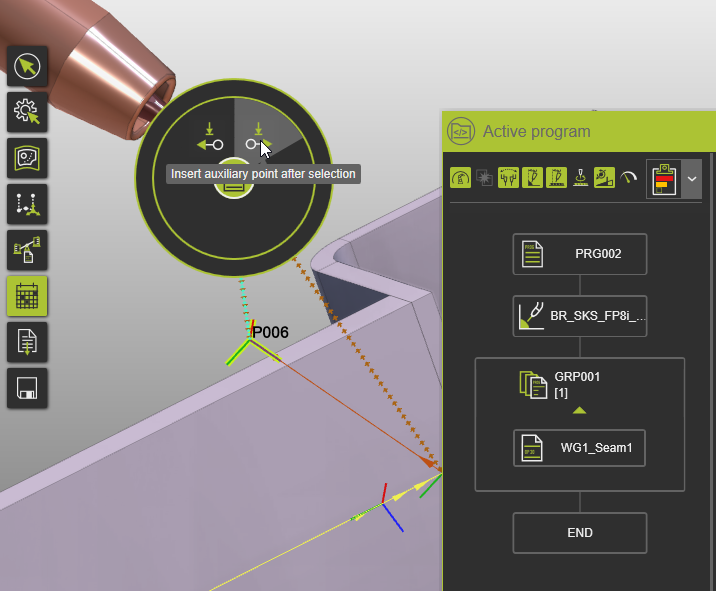
With the Insert auxiliary point after selection command a new TPE part of a new operation group is created after the (highlighted) TPE from where the Manipulator has been moved, at the Manipulator’s new position.
Workflow:
- Select last toolpath element.
- Move the Manipulator to the new position.
- Activate the Pie Menu from manipulator sphere.
- In the
Insert auxiliary pointPie Sub-menu, clickInsert auxiliary point after selection.
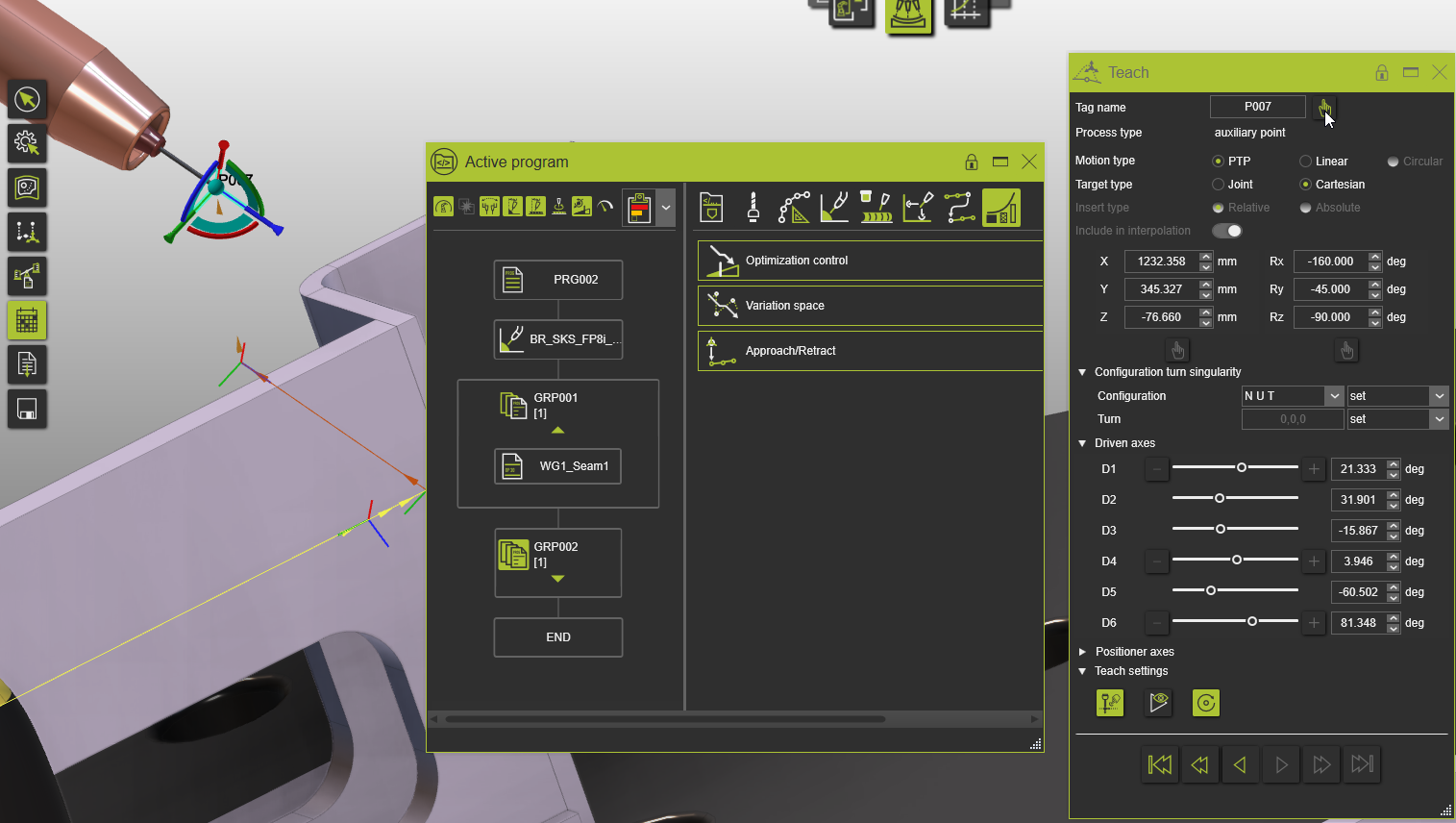
A new auxiliary point and a new operation group containing the auxiliary point are created after the selected TPE, using the manipulator’s current position.
Was this page helpful?